To access Brainstork's Project Library, you need to have a Brainstork manager or project manager account.
Upload your materials to the Library before the session. You can share media (images, videos, audio, and presentation files) and exercises with participants. Discussion guides and other supporting files are for you to use when you need them in the project—participants won’t see them.
This will ensure that everything is ready to use during the session. Click here for more information on how to upload materials to media library.
The files you uploaded will be visible in the Library tab on the project page.
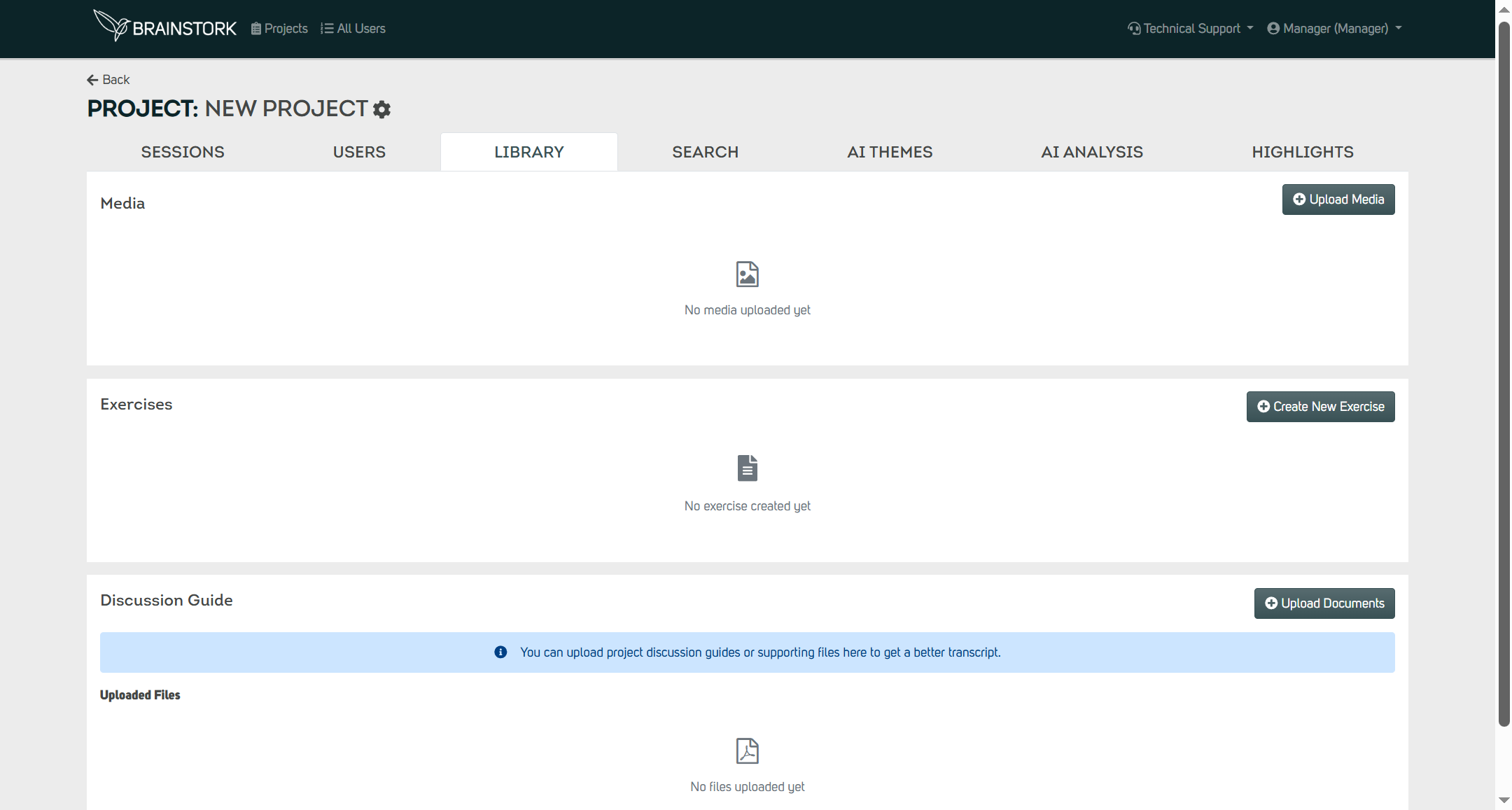
You have the option to view or remove the files you have uploaded. To manage these files, simply click on the "Preview" or "Delete" buttons located in the Actions section.
